 DE
DEAnbieter: Earpads-Headphones.com
Dell WL5022 Ear Pads Replacement – Premium Cushions for All-Day Comfort
1 in den letzten 5 Stunden verkauft
Noch 50,00 € bis zum kostenlosen Versand
Voraussichtliche Lieferzeit : 7. Oktober - 9. Oktober.
Garantiert sicher bezahlen
Beschreibung
Your Dell WL5022 headset is built for calls, meetings and long work sessions.
But once the ear pads wear out, comfort and focus drop fast.
👉 These premium PU leather replacement ear pads restore comfort, fit and daily performance instantly.
✔ Perfect Fit WL5022 ✔ Soft PU Leather ✔ Comfort Foam ✔ All-Day Wear ✔ Easy Install🔎 Browse all replacement ear pads → Headphone Ear Pads Collection
⚠️ Worn Ear Pads Kill Comfort & Productivity
If you use your headset every day, ear pads naturally degrade over time.
- ❌ Flattened cushions → pressure on ears
- ❌ Cracked material → unpleasant feel
- ❌ Poor fit → constant adjustments
- ❌ Reduced isolation → distractions
👉 Replacing your ear pads instantly restores comfort and focus.
🚀 Designed for Long Workdays
- ✔ Comfortable for hours of calls and meetings
- ✔ Reduces ear fatigue
- ✔ Improves headset stability
- ✔ Helps maintain focus in busy environments
- ✔ Extends headset lifespan
🧵 Premium PU Leather + Soft Foam
These Dell WL5022 ear pads are made with high-quality synthetic leather and soft internal padding for durability and comfort.
🖤 PU Leather Surface
Soft, smooth and easy to clean — ideal for daily use.
☁️ Comfort Foam
Reduces pressure and adapts to your ears.
🎯 Stable Fit
Keeps your headset securely in place during calls.
💼 Perfect for Work & Daily Use
- 💻 Remote work & home office
- 📞 Calls & video meetings
- 🎧 Customer support / call center
- 📚 Study and focus sessions
⚙️ Install Your Dell WL5022 Ear Pads in Minutes
Replacing your Dell WL5022 ear pads is quick, simple and requires no technical skills. In just a few minutes, you can restore comfort and keep your headset performing at its best for daily work.
1️⃣ Remove Old Cushions
Gently pull off your worn-out ear pads from the ear cups. They should come off easily without force.
2️⃣ Position the New Pads
Align the new ear cushions carefully with the headphone frame, ensuring a proper fit all around.
3️⃣ Secure in Place
Press around the edges until the ear pads are fully attached and sit securely on the headset.
👉 No tools, no glue, no hassle. Your headset is ready to use immediately.
💡 Tip: Replace both ear pads at the same time to maintain balanced comfort and consistent fit during calls.
📌 Compatibility & Product Details
These Dell WL5022 replacement ear pads are designed to provide a reliable fit and restore the original comfort of your headset for daily professional use.
- ✔ Compatible Model: Dell WL5022 headset
- ✔ Type: High-quality replacement ear pads (non-OEM)
- ✔ Material: Premium PU leather exterior + soft comfort foam interior
- ✔ Fit: Over-ear ergonomic design for stable positioning
- ✔ Use Case: Calls, meetings, remote work, call centers
- ✔ Comfort: Designed for extended all-day wear
Note: These ear pads are compatible replacement cushions designed to match the original shape and feel of your Dell WL5022 headset.
👉 For best results, ensure your headset model matches before ordering.
❓ FAQ – Dell WL5022 Replacement Ear Pads
Do replacement ear pads really improve comfort?Yes. Over time, original ear pads flatten and become uncomfortable. New ear cushions restore softness and reduce pressure, making long work sessions much more comfortable.
Are these ear pads suitable for all-day use?Absolutely. They are designed for extended wear, making them ideal for remote work, meetings and full workdays.
Will new ear pads improve call quality?Indirectly, yes. A better fit helps maintain proper positioning of the headset, improving overall call clarity and consistency.
Do ear pads affect noise isolation?Yes. Fresh ear pads create a better seal around your ears, helping block background noise and improving focus during calls.
Why do my current ear pads feel uncomfortable?With daily use, the foam inside the cushions compresses and loses support, causing pressure points and discomfort.
How do I know when to replace my ear pads?Signs include flattened cushions, cracked material, reduced comfort, and a loose or unstable fit on your head.
Are these ear pads easy to install?Yes. Simply remove the old pads, align the new ones and clip them into place. The process takes just a few minutes.
Do I need tools to replace them?No tools are required. The design allows for quick and easy manual installation.
How long do these ear pads last?Typically between 6 and 18 months depending on usage and care.
Are these ear pads durable?Yes. The PU leather exterior is designed to resist daily wear and remain comfortable over time.
Can I wear these ear pads with glasses?Yes. The soft foam adapts around glasses arms while maintaining comfort.
Do they get hot after long use?Some warmth is normal, but the materials are designed to remain comfortable during extended sessions.
Are these original Dell ear pads?No. These are high-quality compatible replacement ear pads designed to match the fit and comfort of the original cushions.
Will replacing ear pads extend my headset’s lifespan?Yes. Replacing worn ear pads can significantly extend the usability of your headset without needing to replace the entire unit.
Are these ear pads suitable for call centers?Yes. They are ideal for professional environments where headsets are used for many hours every day.
Can they improve productivity?Yes. Better comfort and reduced distractions help you stay focused and work more efficiently.
Do they come as a pair?Yes. The set includes both left and right ear pads.
🎧 Restore comfort and stay focused all day with fresh ear pads.
14 Tage kostenlose Rückgabe1 Jahr Garantie
KundenserviceHilfe, wenn du sie brauchst
QualitätsgarantieDurch unser Versprechen abgesichert
Das könnte dir auch gefallen
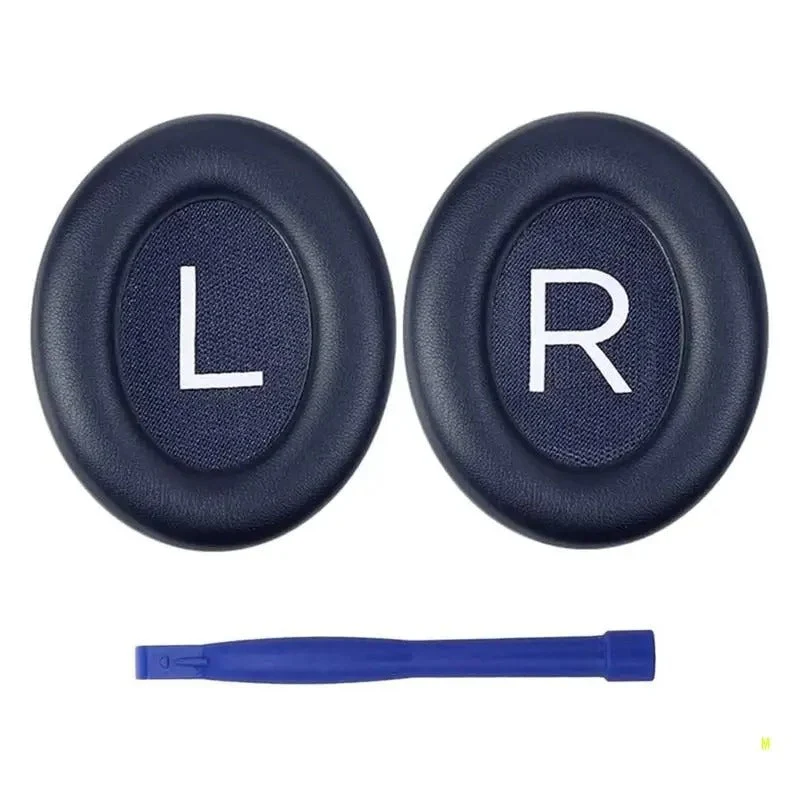 Im AngebotBose 700 / NC700 Replacement Ear Pads – Premium ANC Fit15,42 €
23,52 €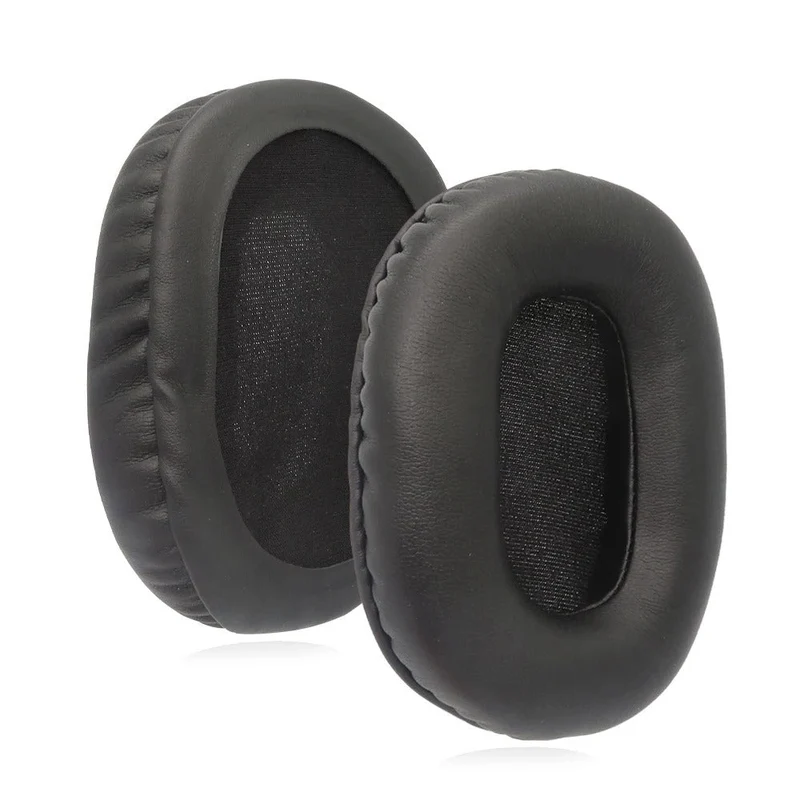 Im AngebotSony WH-CH720N Replacement Earpads – Synthetic Leather Comfort16,80 €
25,26 €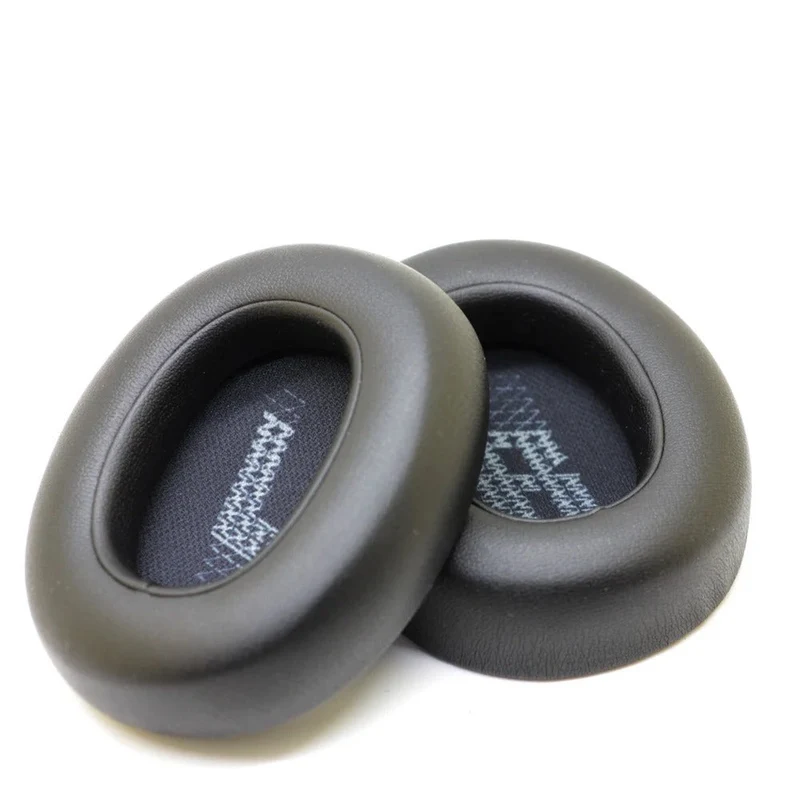 Im AngebotJBL LIVE 770NC Ear Pads - Memory Foam & Premium Isolation17,25 €
26,14 €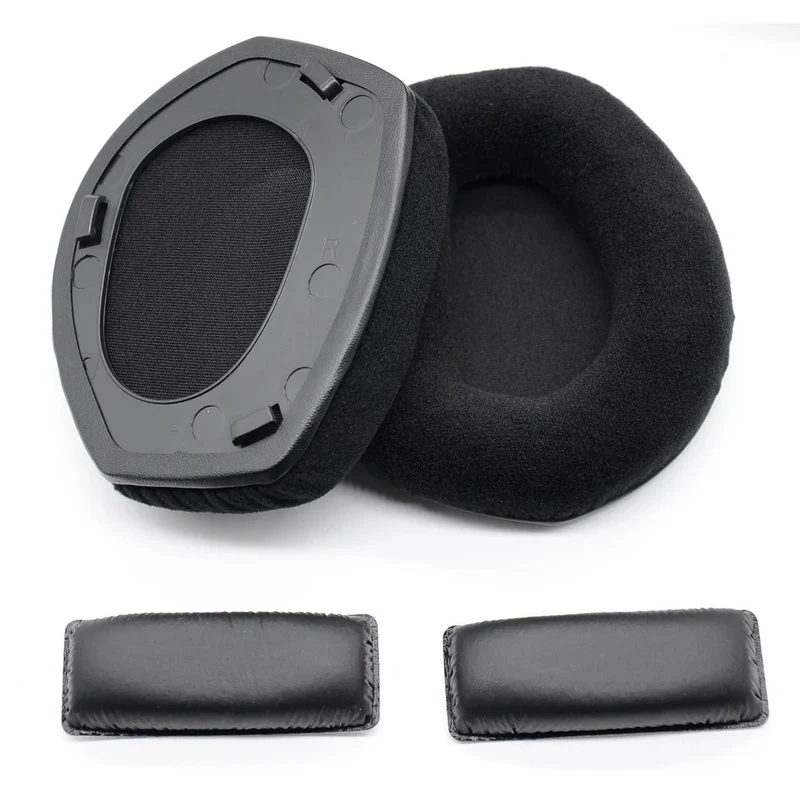 Im AngebotSennheiser HDR 175 Replacement Earpads – RS 17517,17 €
27,01 €